
You can create a free online storefront in India without building a website, hiring a developer, or paying any subscription fee. Platforms like QckServe.in let shop owners and vendors set up a complete digital storefront — with a profile, product or service listings, photos, and a contact link — in under 15 minutes. This guide covers everything you need to know to create, optimise, and promote your free online storefront in 2026.
An online storefront is your business's digital presence — a page where customers can see who you are, what you sell, how to reach you, and why they should choose you over a competitor.
Unlike a full e-commerce website, a storefront doesn't require you to process payments, manage inventory software, or deal with shipping integrations. It's simply a well-presented digital profile that makes your business discoverable and contactable online.
Think of it as a combination of your shop signboard, business card, and catalogue — all in one shareable link.
In 2026, Indian consumers increasingly search online before buying locally. Whether they need a home baker, a furniture shop, or an electronics repair service, the search starts on Google, WhatsApp, or a marketplace platform. If your business has no online presence, you're invisible to this audience.
A free online storefront changes that — in under 15 minutes.
Open qckserve.in on your phone or laptop. Tap "Sign Up" and register with your mobile number. You'll receive an OTP, set a password, and your account is ready. No credit card. No documentation. No waiting period.
Your profile is the foundation of your storefront. Treat it like a first impression:
This is where your storefront comes to life. Each listing is an individual product or service you offer.
For a product-based business (shop, home bakery, clothing):
For a service-based business (repair, cleaning, tutoring):
You can add multiple listings under the same seller profile — one for each product category or service type you offer.
The way you write your listing titles determines whether customers find you. Follow this format for every listing:
[Product/Service] — [Key detail or USP] | [Area, City]
Examples:
Why this works: QckServe's internal search and Google both match your listing to local buyer searches. A buyer in Kolkata who searches "CCTV installation Salt Lake" will see your listing because the title matches their query.
Once your storefront is live, your QckServe profile URL becomes your digital business card. Share it everywhere:
Active storefronts rank higher on QckServe and stay indexed by Google. Here's a simple maintenance routine:
Many small business owners wonder: should I build a website or just use a free storefront?
Here's an honest comparison:
| Factor | Free Storefront (QckServe) | Paid Website |
|---|---|---|
| Cost | Free | ₹5,000–₹30,000+ setup + hosting |
| Time to launch | Under 15 minutes | Days to weeks |
| Technical skills needed | None | Moderate to high |
| Built-in audience | Yes (QckServe's existing buyers) | No (you drive all traffic) |
| Google visibility | Via QckServe SEO + Google Business | Depends entirely on your SEO investment |
| Customisation | Limited to platform options | Full control |
| Best for | Starting out, Tier-2/3 cities, MSMEs | Established brands, e-commerce scale |
The recommendation: Start with a free QckServe storefront and a Google Business Profile. This gives you online visibility at zero cost. Build a website only when your business has consistent online revenue that justifies the investment — typically when monthly online enquiries exceed 30–50 and you need more customisation or direct payment processing.
The best storefronts on QckServe share five qualities:
Storefronts that have all five of these elements consistently outperform those that don't.
How do I create a free online storefront in India without a website? Go to qckserve.in, create a free account, set up your seller profile with your business name, photo, location, and contact details, then add your products or services as individual listings. Your storefront is live immediately — no website or technical skills required.
Is QckServe really free to create a storefront? Yes. Creating a seller profile and adding listings on QckServe is completely free. There are no monthly fees or commissions on enquiries. Optional paid promotions are available if you want increased visibility, but the free tier is fully functional for most small businesses.
Can I create an online storefront for a home-based business in India? Yes. QckServe supports home-based businesses — home bakers, tailors, pickle sellers, tutors, and home service providers all list successfully on the platform. You don't need a commercial premises or GST registration to create a free storefront.
Will my QckServe storefront appear on Google? QckServe listings are crawlable by Google and can appear in search results. For additional Google visibility, create a Google Business Profile at business.google.com — this lets your business appear on Google Maps and in local search results alongside your QckServe storefront.
How many products or services can I list on my free storefront? On QckServe's free tier, you can add multiple listings under your seller profile. Each listing covers a different product category or service type, allowing you to present a complete range to potential buyers.
What is the difference between a storefront and a listing on QckServe? Your storefront is your overall seller profile — your business name, bio, photo, and location. Individual listings are the specific products or services within your storefront. Think of the storefront as your shop and the listings as the items on your shelves.
Your business deserves to be found. Every day without an online presence is a day a local customer finds your competitor instead of you.
Set up your free storefront on QckServe — it takes less time than your lunch break.
→ Create your free online storefront at qckserve.in
Need a plumber, electrician, cleaner, or tutor? Learn how to find trusted local service providers online in India — and how to list your own services free at qckserve.in.
Learn how to post free classified ads in India and sell your items to local buyers fast.
Want to sell your car, bike, or scooter online for free in India? Or find a used vehicle locally? Complete guide for buyers and sellers list free at qckserve.in.
Looking to rent, buy, or list a property online for free in India? Step-by-step guide for landlords and tenants — no brokerage, no fees. Start at qckserve.in.
Need a plumber, electrician, cleaner, or tutor? Learn how to find trusted local service providers online in India — and how to list your own services free at qckserve.in.
Learn how to post free classified ads in India and sell your items to local buyers fast.
Want to sell your car, bike, or scooter online for free in India? Or find a used vehicle locally? Complete guide for buyers and sellers list free at qckserve.in.
Looking to rent, buy, or list a property online for free in India? Step-by-step guide for landlords and tenants — no brokerage, no fees. Start at qckserve.in.
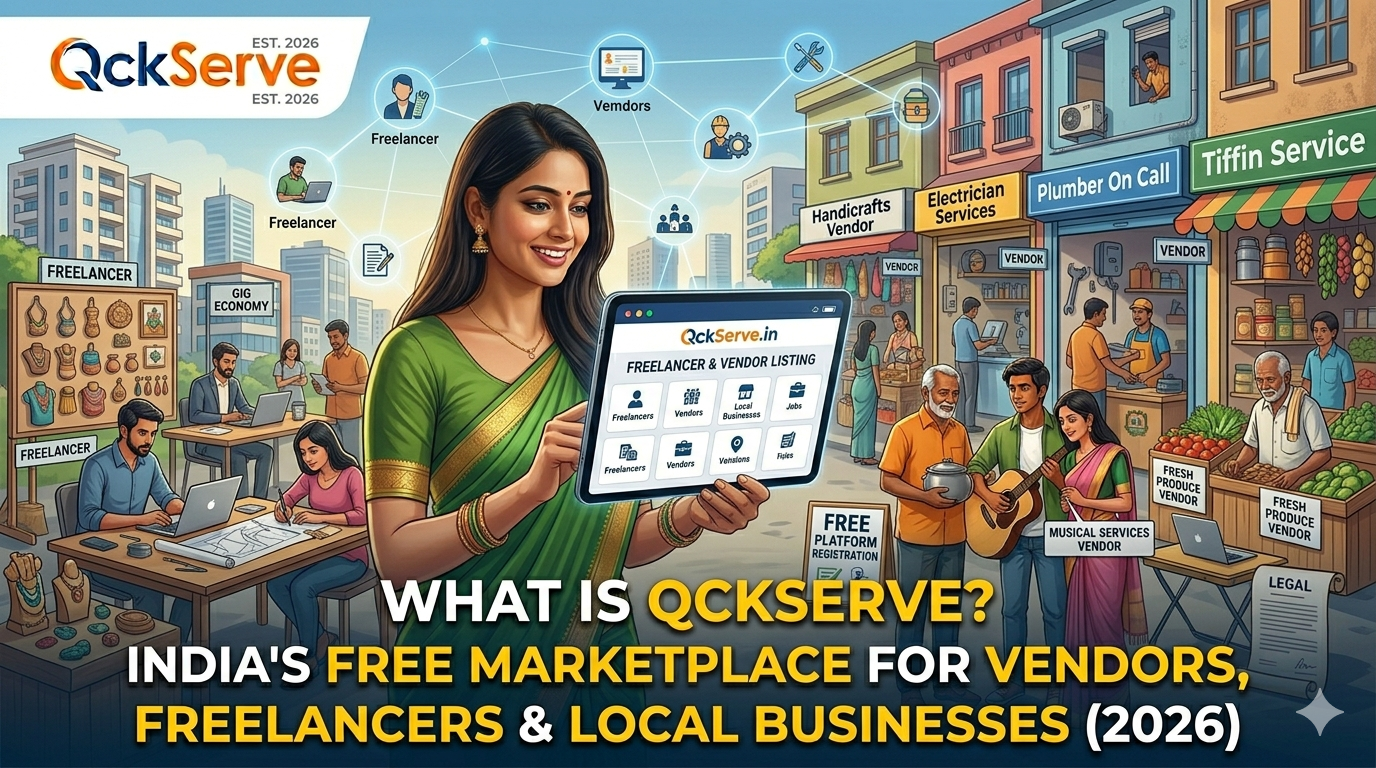
QckServe is India's free online marketplace where vendors, freelancers, and local businesses list for free and get found by nearby customers. Learn how it works at qckserve.in.

